List parts on eBay
The same car that came through the gate goes back out as parts, listed on your eBay account, with the donor vehicle's details filled in from what the gate already knows. Follow the green: every money step is a green button, from the eBay flip to List on eBay, so a part goes live without reading a thing.
- Check your plan and eBay account
Listing needs a plan that includes eBay (Compliance + eBay, £79/month, or above, on the Billing tab) and your own eBay seller account. Sales and payouts land in your eBay account. BreakerHQ never touches the money.
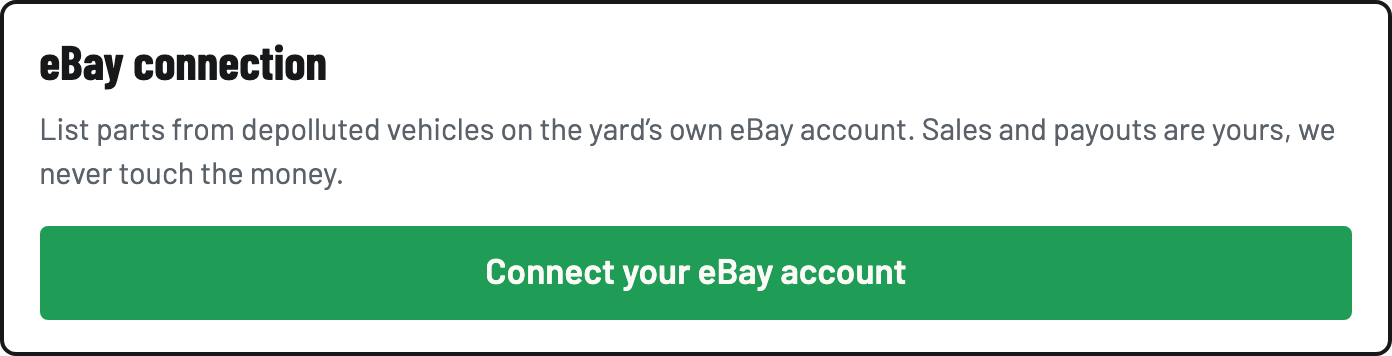
- Connect your eBay account
Settings → eBay connection → tap Connect your eBay account and sign in on eBay's own page. Once connected you'll see the seller name here, and the eBay button under the logo flips the whole app to your shop.
- Take photos on the vehicle
On the vehicle screen, open Photos and Add photo: the car, and the parts you'll break from it. Photos need signal. Everything else at the gate doesn't.
- Build the listing
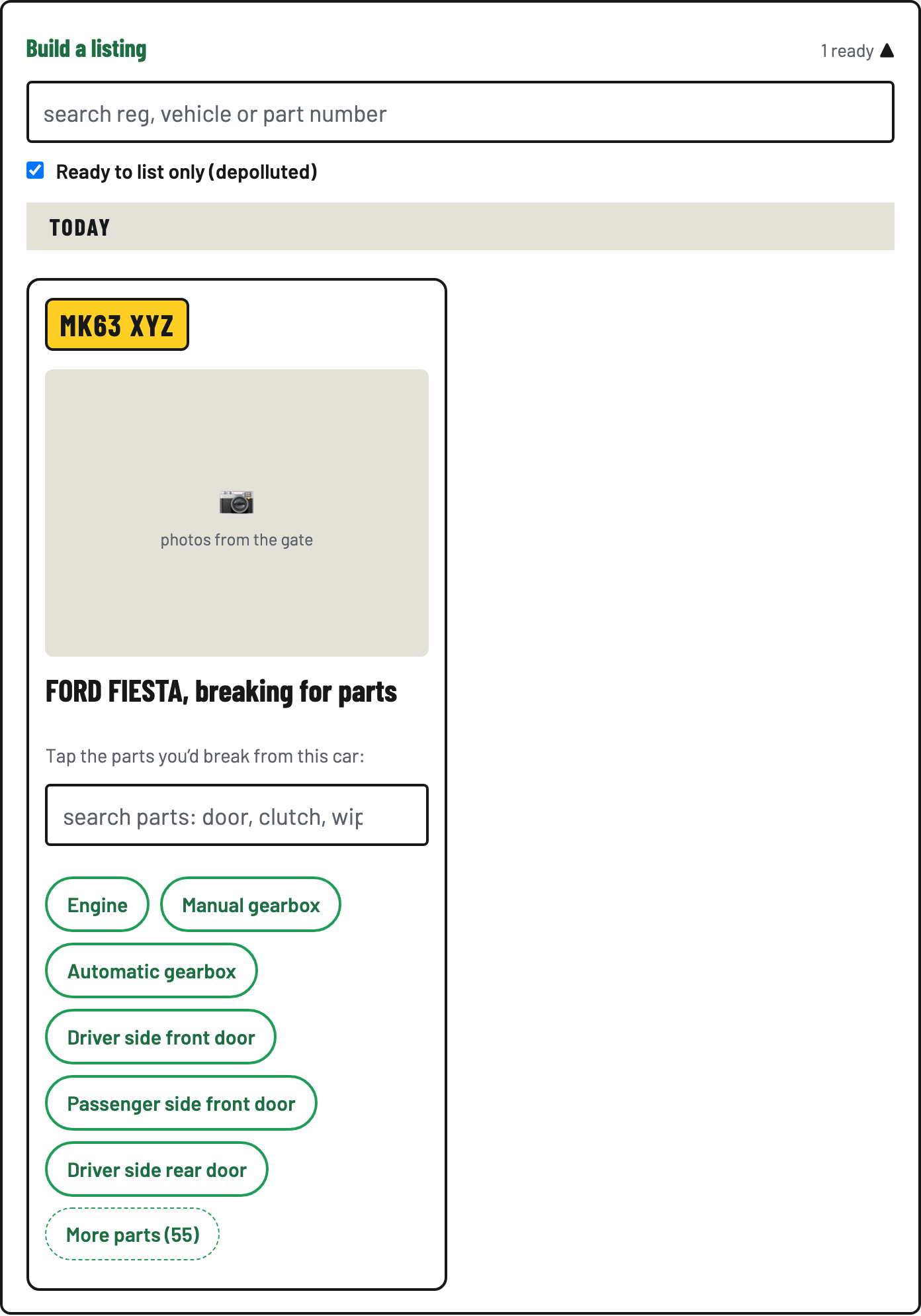
Flip to the shop and open Build a listing. Find the car. The Ready to list only (depolluted) tick is on by default, because a car should be treated before it's parted. Tap the part (Engine, Manual gearbox, Driver side front door…), then check the pre-filled title, price and photos. Tap the photo to page through the car's shots and untick any you don't want on eBay.
For an engine, gearbox or other engine-specific part on a car that came with more than one engine, a Which engine? row appears. Tap the engine, or All engines, and it is remembered for every part off that car. eBay uses it to show "fits your vehicle" to buyers with that car in My Garage. Tap Change if you picked the wrong one. Listings already on eBay are updated.
- List it on eBay
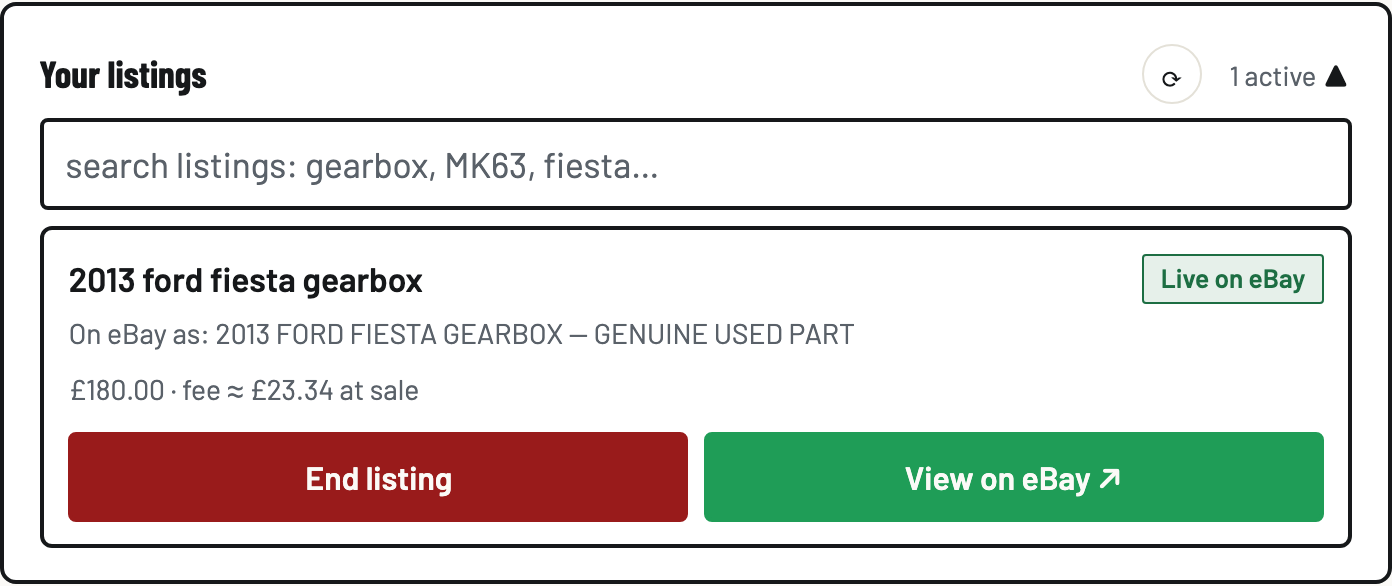
Tap List on eBay. The listing publishes to your eBay account with the donor vehicle's details, and appears under Your listings with its live status. The ⟳ button re-checks eBay if you think something changed over there.
- Sold at the counter? End it
Someone buys the part in the yard: Your listings → End listing → Sold at the counter → End it. The eBay listing comes down so it can never oversell. Listings that sell or end on eBay's side update here too.