Sign a transfer note on the tablet
When waste changes hands, both sides must sign a written description of it and keep a copy for two years (Waste (England and Wales) Regulations 2011, regulation 35). Here is that note done on the screen, in the yard or at the seller's door, with both copies sent by email. It works the same in England and Wales.
- Record the handover at the door or at the gate
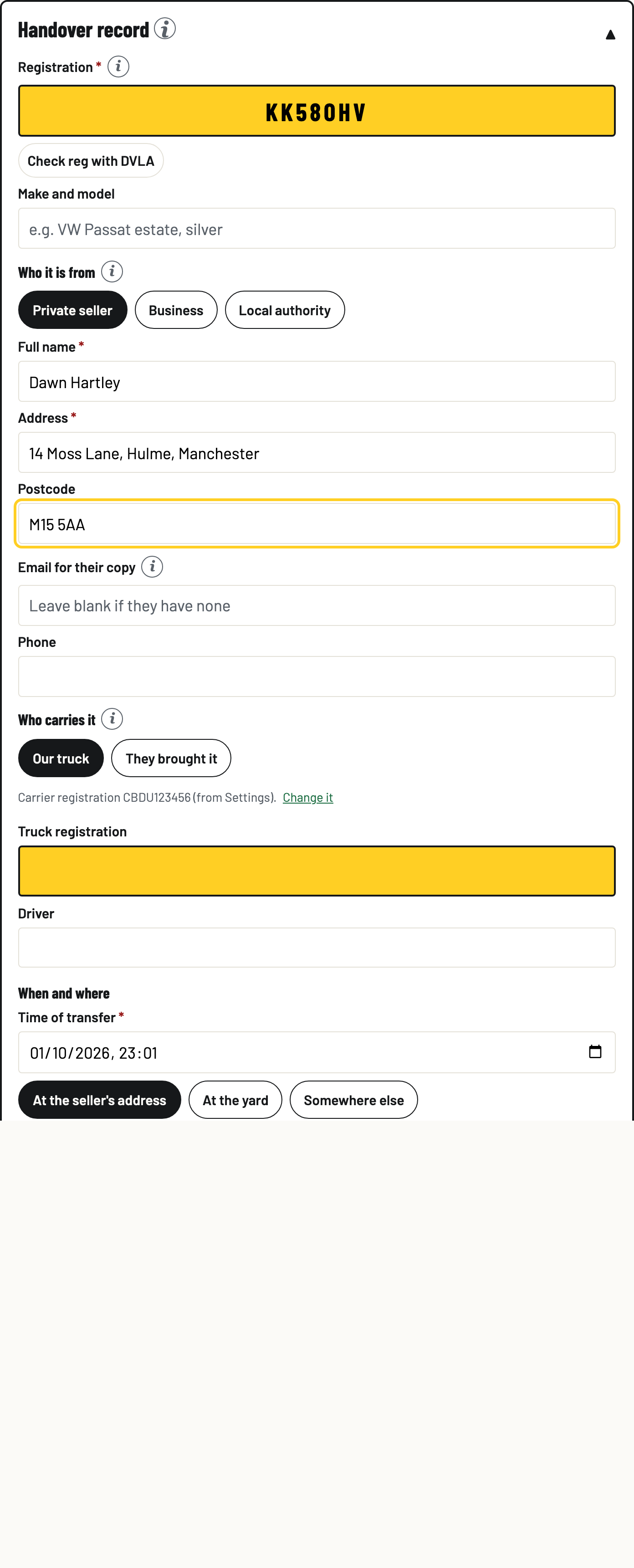
Coming in: on the Gate tab open Handover record, tap New handover record, type the reg, and fill in the seller and the waste. A private seller’s car is saved as a handover record, a business’s vehicle as a waste transfer note. With the vehicle already booked in, open the vehicle and tap Record the handover for this arrival. A scrap load has Sign transfer note on its row. Going out: shells leaving for the merchant are signed from Shells out on the Vehicles tab, one note for the whole lorry.
A private seller owes you no waste transfer note (Environmental Protection Act 1990, section 34(2)), which is why theirs is a handover record: your record of who handed the car over, their signature, the ID you saw and who paid, which the Scrap Metal Dealers Act 2013 asks you to keep for three years. Pick Business when a business hands you a vehicle and the same form is the waste transfer note the law does require. The document names itself before you sign, on the PDF, and in the email.
- Say who they are and what the waste is
Private seller, business or council. A private seller's own car needs no transfer note or consignment note by law, so for them this is your record of the handover and your scrap metal dealer record. A business handing waste over must give its SIC code. Pick the waste code, describe it, give a count or a weight, and say whether it is loose or in a container. Tick the waste hierarchy confirmation. The place and time of transfer are filled for you and can be changed. An undepolluted car from a business is refused: that movement needs a hazardous waste consignment note, which BreakerHQ does not produce yet.
- Both sign on the screen
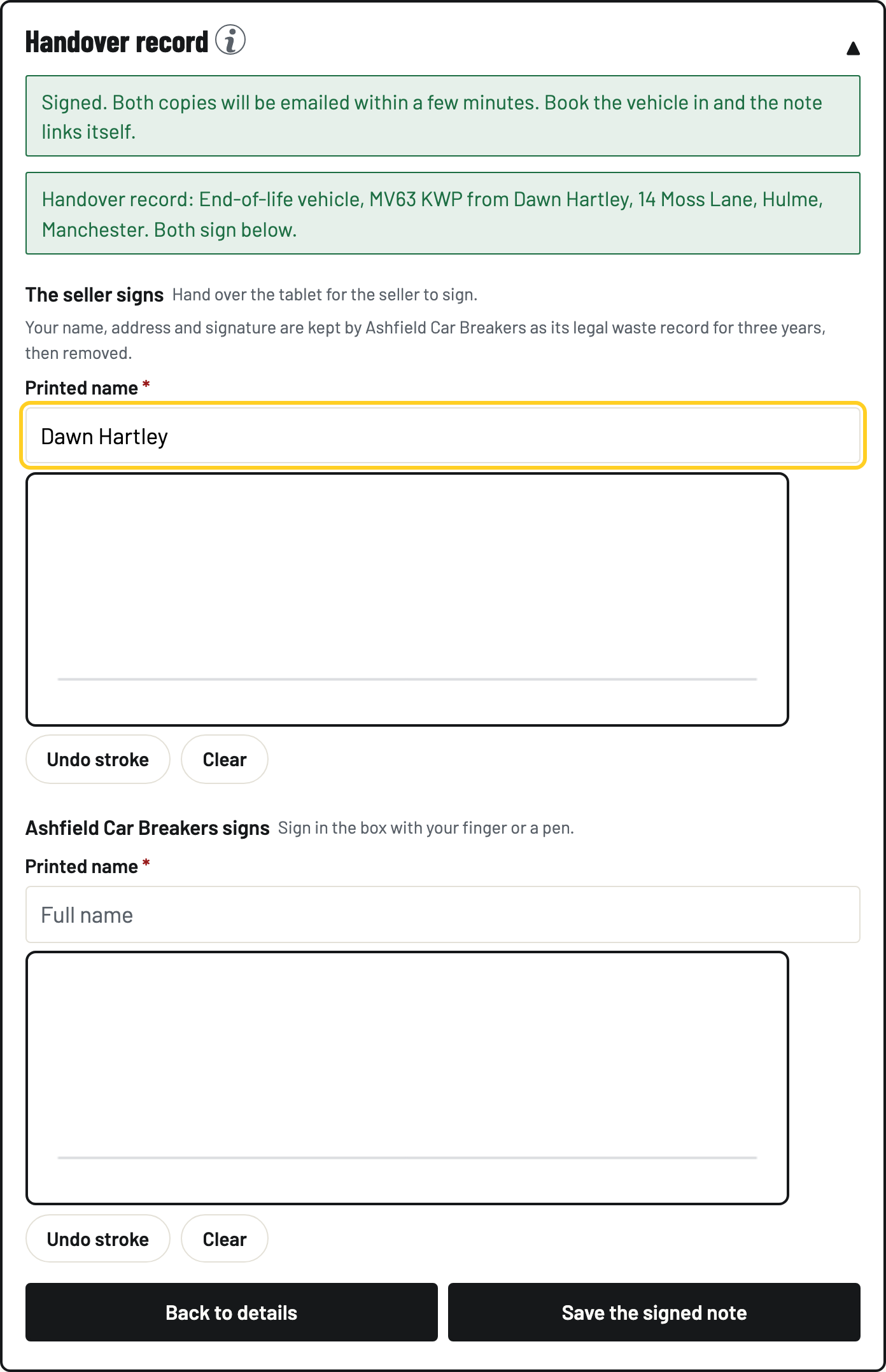
Tap Sign the note. The seller types their name and signs in the box with a finger or a pen, then you do the same for the yard. Tap Save the signed note. With no signal it queues and sends when the signal returns, like a book-in. Tell the seller what the screen says: their name, address and signature are kept by your yard as its legal waste record for three years, then removed.
- Both copies go by email
Within a few minutes the signed PDF is emailed to the address on the note and to your yard's notification address (Settings). The note shows who it went to and when it was sent. Send by email again adds an address or resends. No email on the note means no copy is sent to them, and the note says so.
- Book the vehicle in and the note links itself
When the vehicle lands, book it in as usual. The gate spots the signed note for that reg and links it to the record. Depolluted shells leave on a note too: It has left the yard opens the outbound note, and saving it marks the vehicle off site in the same record.
- Find any note in the register
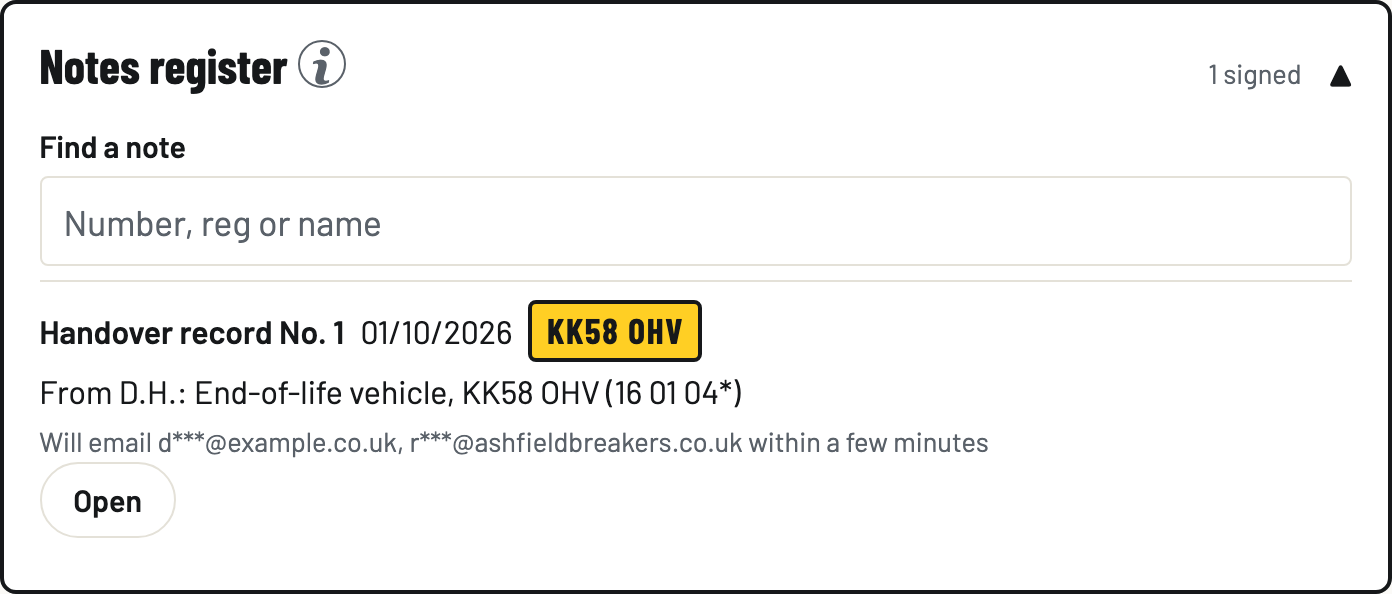
The Notes register on the Vehicles tab lists every signed note by number, handover records and waste transfer notes alike. Open one to see the full note, download a copy as a PDF if you wish, or share it. Names and addresses are shown only when a note is opened, and every look is logged. Owners and admins can attach and view a copy of the seller's ID. A void note stays on the register marked void.
What the note carries, and why
Regulation 35(2) lists what the written description must contain: the waste code and a description, the quantity and whether it is loose or in a container, the time and place of transfer, the transferor's SIC code, the names and addresses of both parties and their signatures, what each party is (producer, carrier, permit holder and so on, with the number), and confirmation that the waste hierarchy duty has been met. Every one of those is a field on this form. Regulation 35(4) and (5) allow an electronic note with an electronic signature, and 35(6) asks both parties to keep it for at least two years and produce it within 7 days. Digital waste tracking does not replace transfer notes.