Set up your yard
Five minutes from nothing to a yard that can book vehicles in. The only thing worth doing in advance is asking Defra for your API code. Everything else is typing.
- Create your account
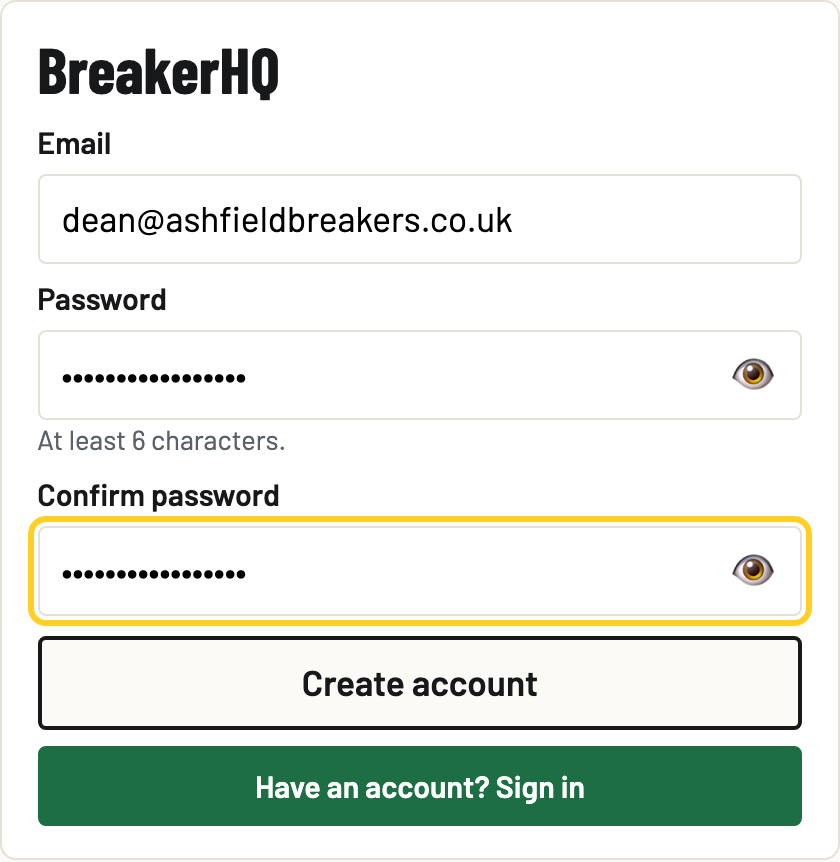
Go to breakerhq.co.uk/yard/ and tap New here? Create an account. Enter your email and a password (6 characters or more) and tap Create account.
- Confirm your email
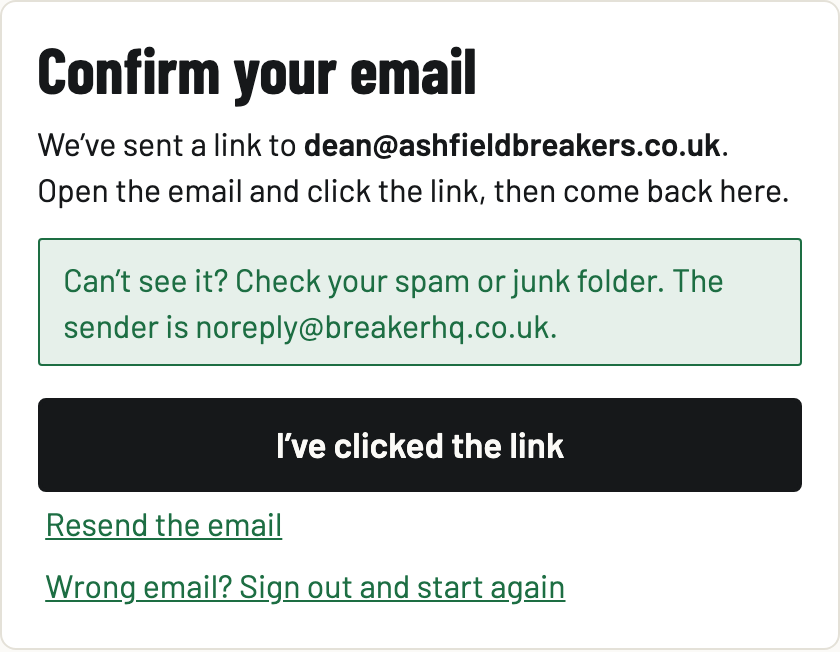
We send a confirmation link the moment the account exists. Open the email, click the link, come back and tap I've clicked the link. Nothing works until this is done: it keeps yard records tied to real, reachable people. No email? Check spam, or tap Resend the email.
- Name your yard
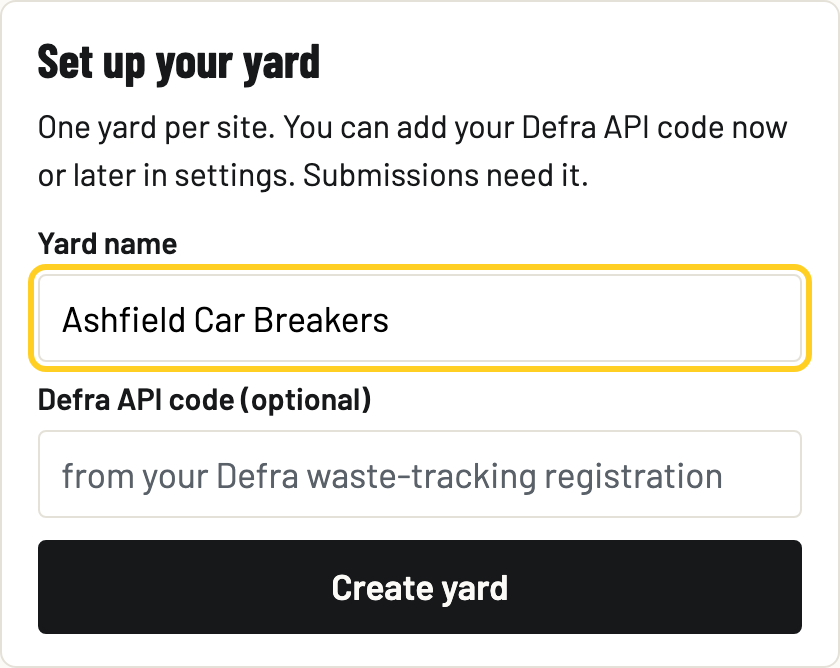
On Set up your yard, enter your Yard name and tap Create yard. You land straight on the gate.
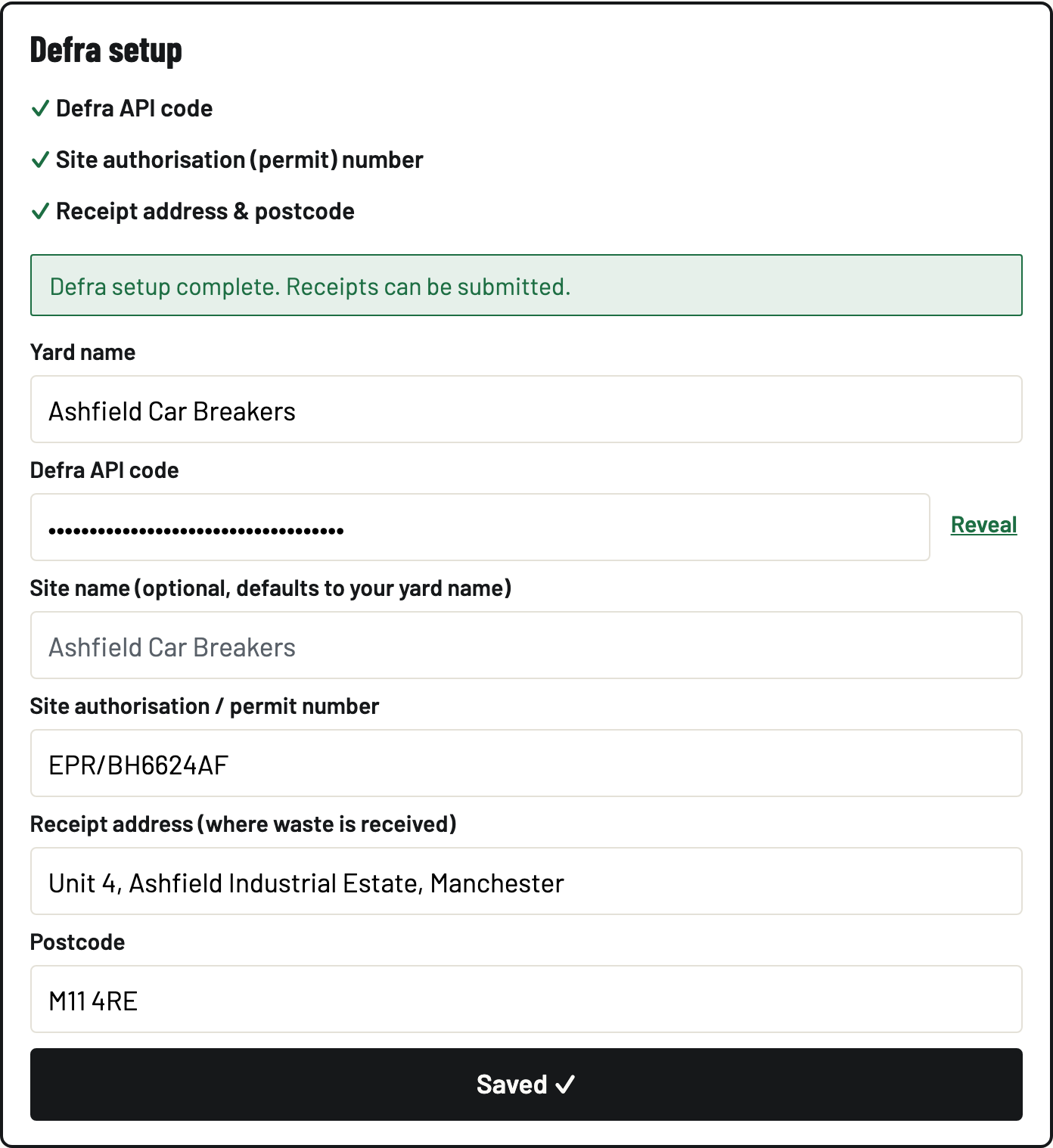
- Complete Defra setup in Settings
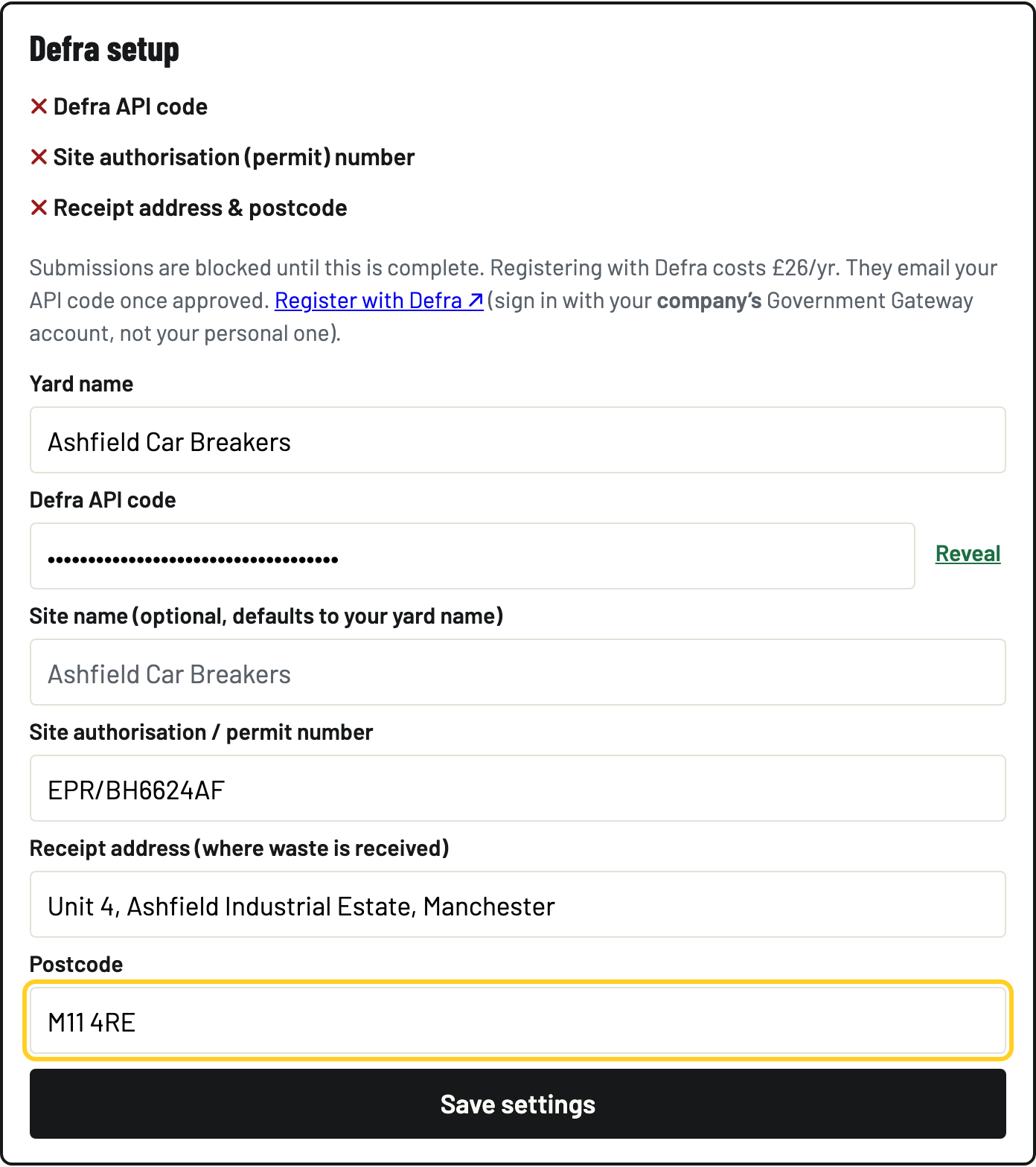
Open the Settings tab and fill in Defra setup: your Defra API code (shown in your Defra account once your Digital Waste Tracking registration is approved, it is not emailed), your environmental permit or authorisation number (like EPR/XX9999XX), and the site address and postcode your receipts are reported for. Defra also charges £26 a year per organisation for the service (GOV.UK: the first payment is due by 31 January 2027), and receipts bounce once it is due and unpaid.
- Save settings
Tap Save settings and look for the green line: Defra setup complete: receipts can be submitted. Not done yet? No drama. The gate keeps working and receipts wait until the setup is finished.
- Put BreakerHQ on the gate tablet
Still in Settings: Put BreakerHQ on the home screen: tap Install, or on iPhone and iPad use the Share button then Add to Home Screen. Installed, it opens full-screen like any app and keeps working with no signal.