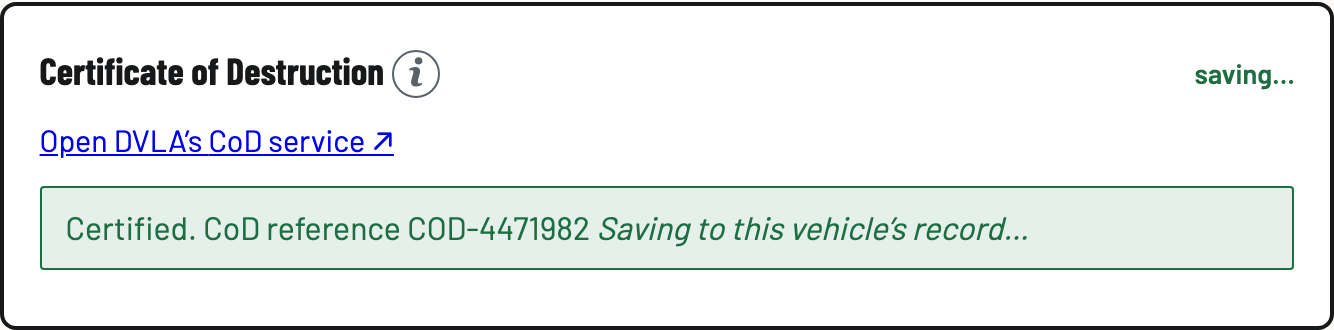
Record the Certificate of Destruction
The CoD itself comes from DVLA. As the ATF, you notify them and issue it through their CoD/NoD online service. There's no public API for that, so BreakerHQ records that you did it and keeps the reference where an inspector can find it.
- Notify DVLA on their service
On the vehicle's Certificate of Destruction step, tap Open DVLA's CoD service ↗ and notify the destruction there. Your sign-in comes from DVLA with your ATF permit. (The seller telling DVLA they scrapped their car is their own separate step, not yours.)
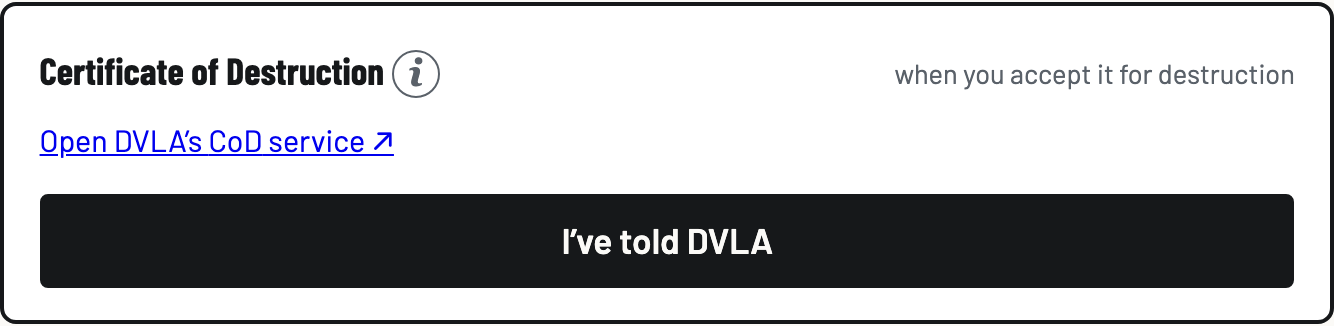
- Record it: I've told DVLA
Back in BreakerHQ, tap I've told DVLA, then Record it. The step shows DVLA notified, awaiting certificate, with the date. It asks first because DVLA cannot reverse a destruction once it is recorded.
Car not depolluted yet? That's fine, and it's the normal order. The certificate is due when you accept the vehicle for destruction, not when you finish draining it, so most yards do this the day the car comes in.
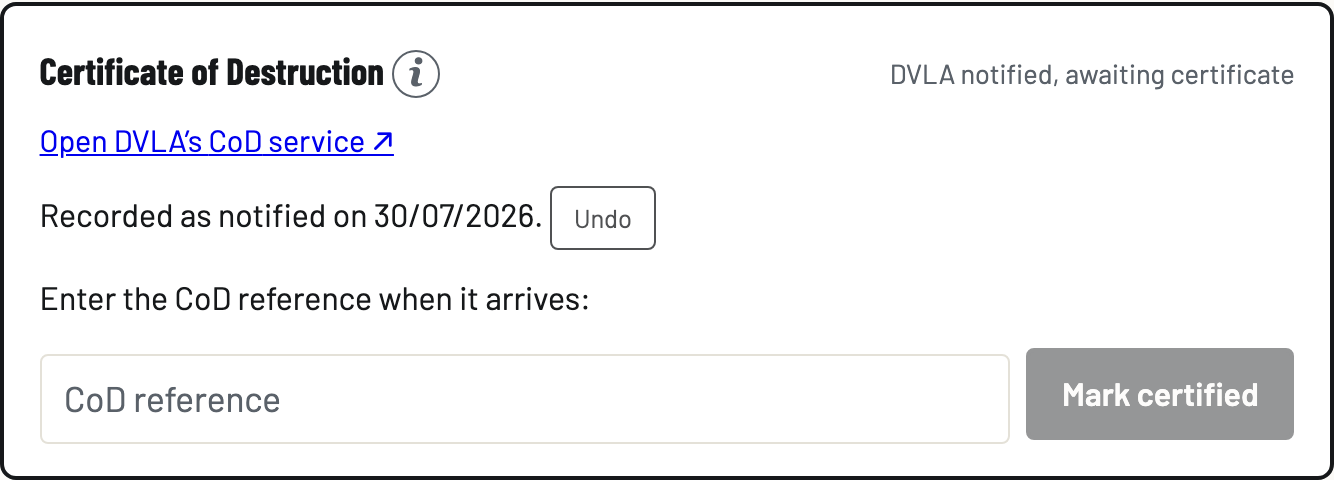
- Enter the reference and mark certified
When the certificate arrives, type the CoD reference and tap Mark certified. Done: Certified, CoD reference … on the vehicle, and in the evidence pack. Every state here has an Undo, and every undo is recorded as a correction.
One thing to be clear about: that Undo clears what BreakerHQ recorded. It does not reach DVLA. Once DVLA has issued a certificate there is no way to cancel or reverse it, on their side or ours.